Expert InsightSmart Home
Your Smart Home. Your Rules.
Home Assistant, Homey Pro and Hubitat offer different ways to take control of everyday automation. Here is how they compare with a professionally managed system—and how to choose without replacing everything.
The freedom to change your own home
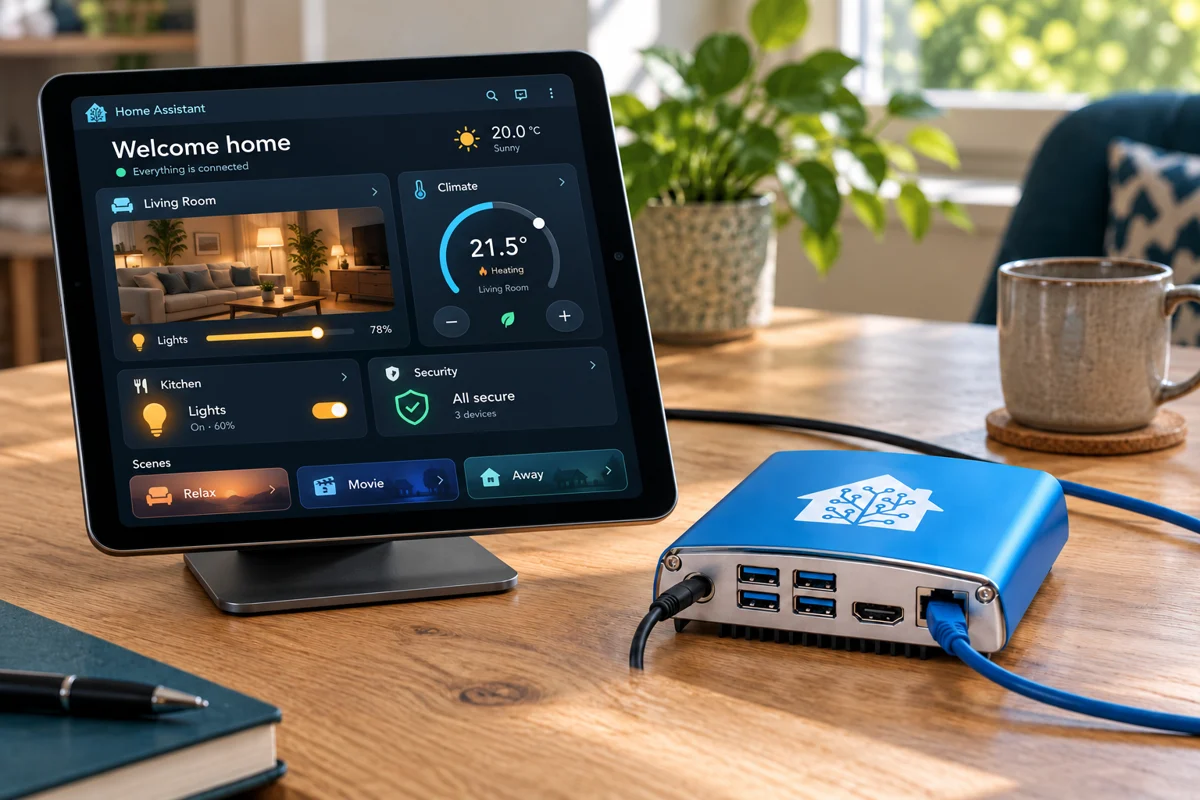
A lighting schedule should be able to change when your family’s routine changes. A new sensor should not automatically mean redesigning the whole house. For homeowners who want to adjust, expand and understand their system, direct access to its settings can be a substantial benefit.
Home Assistant, Homey Pro and Hubitat all offer ways to build routines around compatible equipment. You can start with useful jobs—lighting, heating or a door-left-open notification—and expand gradually. Professional installation can still be part of that approach; owner control and good support can go together.
Everyday control
Small changes should stay practical
- AdjustChange a schedule or lighting routine.
- ConnectAdd a device after checking compatibility.
- UnderstandKnow what runs your home and how to recover it.
Three platforms, three different priorities
Home Assistant is an open-source platform with extensive integration and customisation options. Dashboards and many automations can be configured visually; programming is not a requirement for basic use. Its flexibility is attractive when you want different systems to cooperate, but complex integrations still need someone to maintain them.
Homey Pro packages multiple connection technologies with its visual Flow tools. Hubitat focuses on local automation, with tools such as Basic Rules, Rule Machine and Room Lighting. Neither is simply another version of Home Assistant: compare the exact device support, interface and recovery arrangements. Here we mean Homey Pro, not the differently designed Homey Cloud service.
Choose by fit
A useful starting comparison
- Home AssistantBroad customisation and integration; plan maintenance.
- Homey ProA packaged hub with visual Flow tools; check each device app.
- HubitatLocal rules and compatible devices; check drivers and region.
Keep your existing system—and connect what adds value
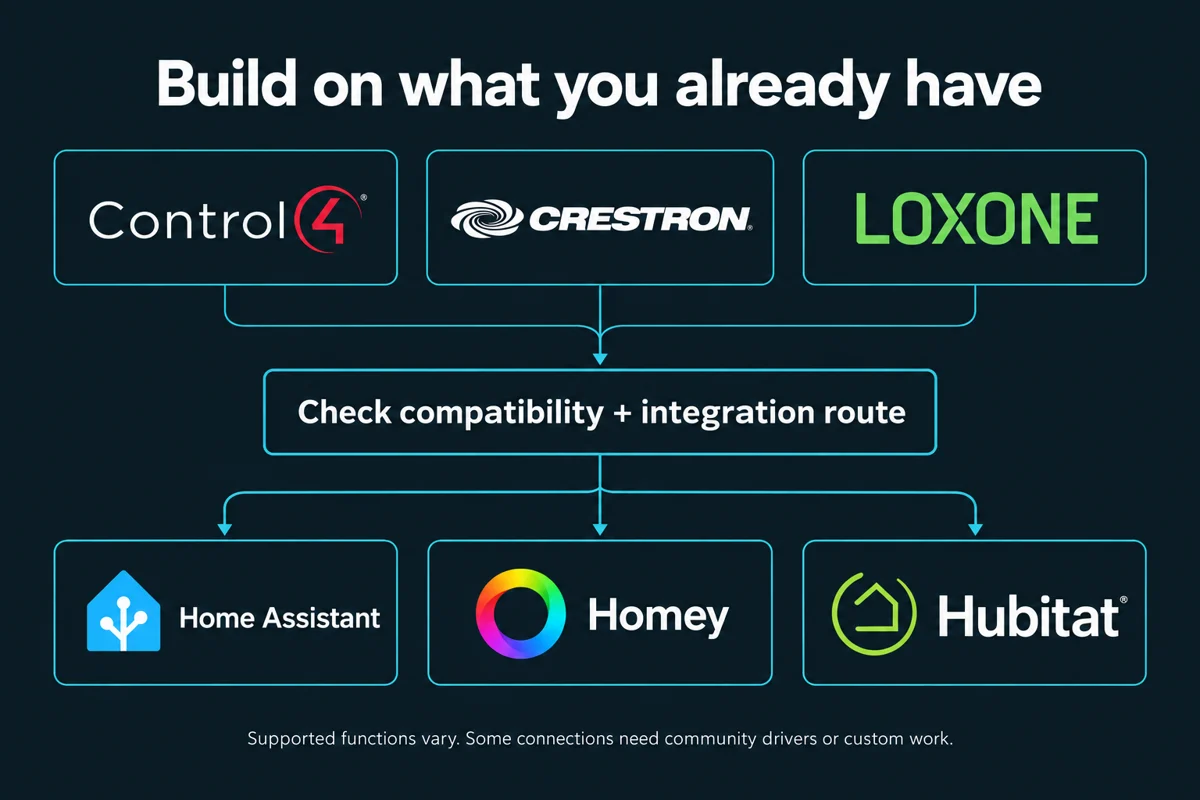
Already have Control4, Crestron or Loxone? You may be able to retain the parts that work and connect them with Home Assistant, Homey or Hubitat. The right route depends on the existing controller, software version, access permissions and functions you want to share; this is not a promise that every system connects to all three.
For example, Home Assistant has a built-in Control4 integration for supported lighting, room media, covers and climate on OS 3.0 or later. A community Loxone app for Homey connects supported Miniserver devices. A community Crestron–Hubitat driver lets compatible Crestron programs work with devices connected to Hubitat; it needs programming and is not a universal import of Crestron devices.
MBS Integrations would check the available integration, installer access and ongoing support, then test a useful function before expanding. Existing wall controls and core routines can remain in place where the design supports it. Local operation must be checked across the whole chain: adding a local hub does not make a cloud-only device independent of the internet.
Where a managed system can still be the right choice
An installer-led system such as Control4 can suit someone who values a designed, consistent experience and a named professional responsible for the installation. Large audiovisual systems, tailored interfaces and coordinated support can be good reasons to choose that model.
It would be unfair to call Control4 completely inflexible: its current documentation describes local operation and homeowner personalisation, including routines. The real comparison is how much you can change yourself, what needs your integrator, and what your particular service plan includes. Ask for those boundaries in writing rather than assuming either approach has no ongoing costs. Control4 services.
A fair comparison
Choose the support relationship
- Owner accessWhich settings and routines can you edit?
- Professional careWho handles faults, updates and expansion?
- Clear termsConfirm access, subscriptions and support scope.
Keep useful equipment—and compare the lifetime cost
The best migration may be no migration at all for parts that already work. We would inventory devices, hubs, wiring and routines, then check model-level compatibility and exposed features. A supported brand name is not proof that every device function is available. Proprietary keypads, amplifiers or lighting modules may need their original controller.
Compare hardware, radios, installation, ongoing care and recovery—not just the hub price. Some services, including cloud backups or remote administration, can be optional paid extras. An affordable first room is often a sensible way to prove the approach before committing to the rest of the house.
Spend in stages
Reuse before replacing
- InventoryRecord models, controls and existing wiring.
- PilotProve one useful room or routine.
- ExpandInvest where compatibility and value are clear.
What a good handover should give you
A homeowner-controlled installation should leave you with the access you need, documented routines, usable backups and a clear support arrangement. Agree who installs updates, what can be changed safely, and what happens if the hub or internet connection fails.
MBS Integrations would start with your existing equipment and how you want the home to behave. We can then recommend a suitable platform and scope a practical first stage. The goal is a home you can live with and adapt—not a project that only one person understands.
Built around the household
Control with a recovery plan
- AccessOwner accounts and agreed permissions.
- DocumentationRoutines, device list and manual controls.
- RecoveryBackups, a restore plan and support contacts.
Sources & Further Reading
Technical references checked 20 October 2026. Features and device support can change.
- Home Assistant: privacy and local communication
- Home Assistant: getting started
- Homey Pro: features and architecture
- Homey Pro: backup options
- Hubitat: automation overview
- Hubitat: optional services
- Control4: current services and personalisation
- Home Assistant: Control4 integration and requirements
- Homey: community Loxone app
- Crestron–Hubitat: community driver and requirements
Planning something similar?
Tell us what you already have and what you would like to improve. We will help plan the next practical step.
Discuss Your Project