
Expert InsightNetwork & Security
Will Your Security Cameras Capture Anything Useful?
A sharp daytime picture is only the beginning. Camera position, moving subjects at night, recording settings and a tested export process determine whether footage helps when something happens.
Decide what the camera needs to show
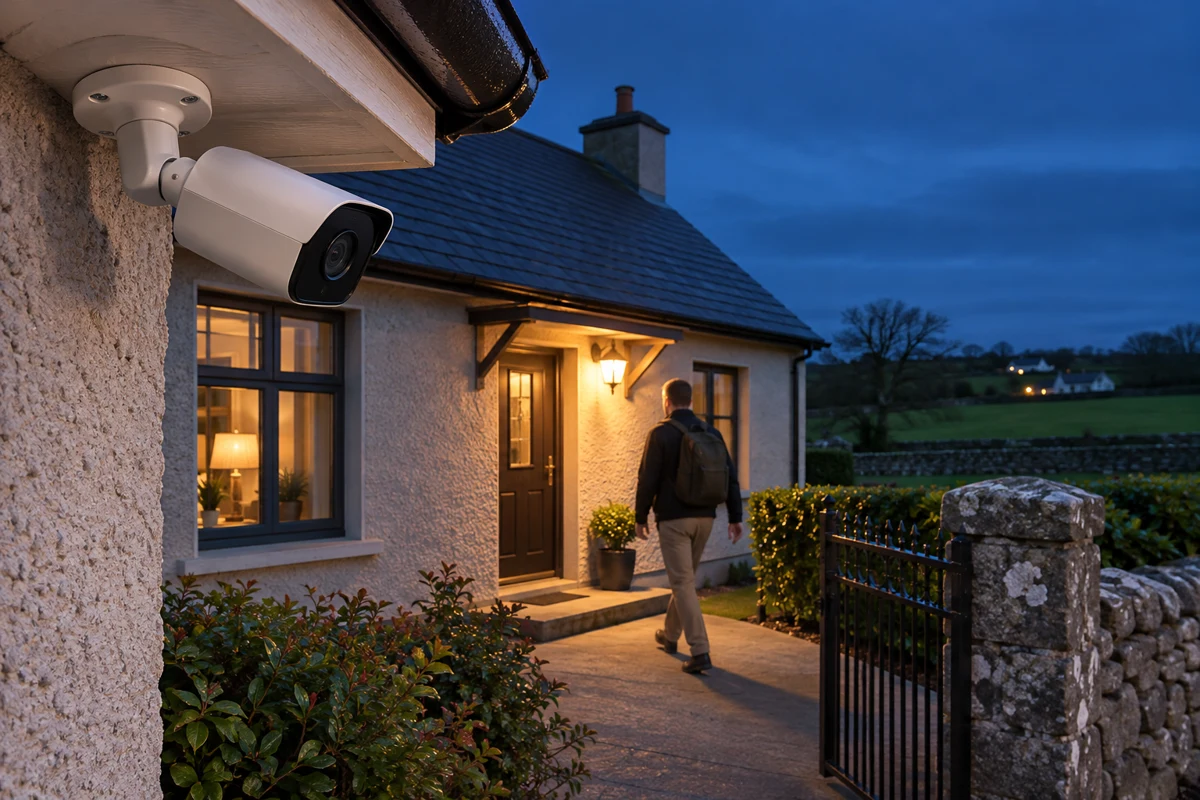
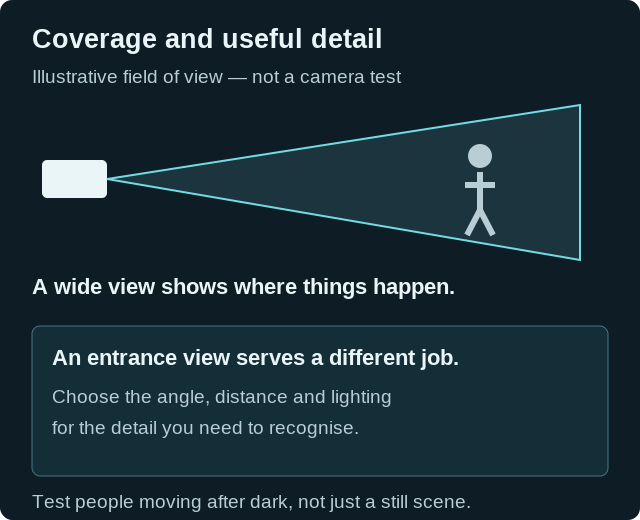
A camera can show that somebody crossed a yard without recording enough detail to recognise them at the entrance. Those are different jobs. Before choosing a model, decide which questions the recording should help answer: what happened, where it happened, when it happened and what useful detail should be visible.
An overview camera can provide context while a more carefully framed entrance camera records a closer view. One wide image does not necessarily do both well. Sketch the approach routes, doors and areas of interest, then consider obstacles, changing light and the distance to the subject.
This also defines a practical acceptance test. Rather than asking whether the live view looks impressive, ask a person to walk the relevant route and inspect the recording. Useful coverage is about the intended scene, not filling every spare corner of the screen.
Define the job before the model
Decide what the camera needs to show
- OverviewSee the sequence and direction of movement.
- DetailFrame the entrance or other critical point.
- TestRecord someone following the real approach.
Megapixels do not replace the right view
Resolution matters, but so does how widely those pixels are spread. A broad view can leave a distant face occupying only a tiny portion of the image. Lens choice, distance and mounting angle determine how much useful detail reaches the recording in the first place.
Axis explains pixel density as a planning aid for different observation tasks. It is a starting point, not a promise of identification in every scene. A face turned away, heavy rain, poor focus or a steep overhead view can undermine an otherwise reasonable specification.
Digital zoom enlarges the recorded image; it does not recover detail that was never captured. Choose a suitable position and lens before relying on cropping later. Avoid mounting every camera high under an eave simply because the cable is convenient: check the actual angle on people entering the property.
Put pixels where they matter
Megapixels do not replace the right view
Check moving people after dark
A stationary night scene can look bright and still produce blurred faces when someone moves. Longer exposure collects more light but can smear motion. Axis’s image-quality guidance specifically highlights this difference, which is why a daytime demonstration or a still night screenshot is not enough.
Test a person walking through the entrance after dark, at a realistic pace and distance. Review the saved clip rather than only the live view. Consider headlights, backlit doors, nearby lamps and wet surfaces. Lighting changes may improve the result more than replacing a camera with a higher-resolution model.
Infrared illumination has its own installation constraints. Ubiquiti notes that nearby surfaces can reflect IR and affect night images. Check for walls, eaves, dirty covers and other reflective objects near the lens. Avoid assuming that a camera looking through glass will give a useful view with its own IR lights enabled.
Make recording and retrieval dependable
A live picture proves that a camera is connected, not that an incident will be recorded. Check the recording mode, coverage before and after a trigger, time settings and what happens when storage fills. Detection-only recording and continuous recording have different storage and missed-event considerations.
UniFi Protect is one example of a system combining local recording, playback and clip export. Its documentation describes camera retention controls and optional archiving. Supported features depend on the console, camera and software; an AI detection should help find footage, not be treated as proof that every relevant event was recognised.
Choose retention around the purpose and operational need, then size storage accordingly. There is no single sensible duration for every property. Protect’s enhanced-retention settings can reduce older footage quality, and that detail cannot later be restored. Confirm the actual settings rather than assuming a drive’s nominal capacity guarantees a particular number of days.
Recording is a complete path
Make recording and retrieval dependable
Design privacy into the camera position
For an Irish home, the Data Protection Commission advises keeping domestic CCTV within the property boundary. Recording beyond it can remove the household exemption and bring data-protection obligations into play. A camera should not be aimed into a neighbour’s home or garden simply to obtain a wider view.
A business installation requires its own assessment of purpose, necessity, transparency, access and retention. Audio can be more intrusive than the picture and should not be enabled merely because the camera has a microphone. Consult the DPC’s guidance for the setting and seek appropriate advice where the proposed coverage is uncertain.
Frame the view carefully and use supported privacy masks where appropriate. Detection zones and privacy masks are not interchangeable: ignoring movement in an area does not necessarily stop recording it. Review the saved image after configuration, and restrict account access to the people who need to use the system.
Useful coverage with clear boundaries
Design privacy into the camera position
- Frame carefullyKeep the view relevant to the property.
- Check privacy toolsMasking and detection zones have different purposes.
- Control accessLimit viewing, exports and retention appropriately.
Finish with an export test and a handover
Before calling the installation complete, find a test incident, export the original clip and play it on another device. Confirm the timestamp, duration and picture quality, including the moments before and after the action. Keep relevant original footage rather than relying on a phone recording of a monitor.
Agree who handles an incident, who may export footage and where an authorised copy is kept. Preserve relevant recordings promptly when an incident occurs; ordinary storage rotation may otherwise remove them. A clear process can support investigation, although no installation can guarantee identification or the legal outcome of a case.
MBS Integrations can assess camera placement, networking, recording and practical handover as one project. Explore our Network & Security service or tell us what you need to see. The starting brief should describe the entrance or area, lighting conditions, retention needs and people responsible for reviewing footage.
Prove the result end to end
Finish with an export test and a handover
- FindLocate the test incident on the timeline.
- ExportPlay the original clip on another device.
- Hand overDocument access, retention and incident handling.
Sources & Further Reading
References checked 10 November 2026. Features and service availability can change.
- Axis: Pixel density and operational requirements
- Axis: Troubleshooting image quality and motion blur
- Ubiquiti: Optimising night mode
- Ubiquiti: Managing storage and retention
- Ubiquiti: Exporting clips and archiving
- Irish DPC: Domestic CCTV guidance
- Irish DPC: CCTV guidance for data controllers
- Ubiquiti: Detection and privacy zones
Planning something similar?
Tell us what you already have and what you would like to improve. We will help plan the next practical step.
Discuss Your Project