
Expert InsightNetwork & Security
What Proper Small-Business Network Design Looks Like With UniFi
Reliable networks start with a plan for people, buildings and devices. Equipment comes next. Explore the architecture behind a manageable small-business network.
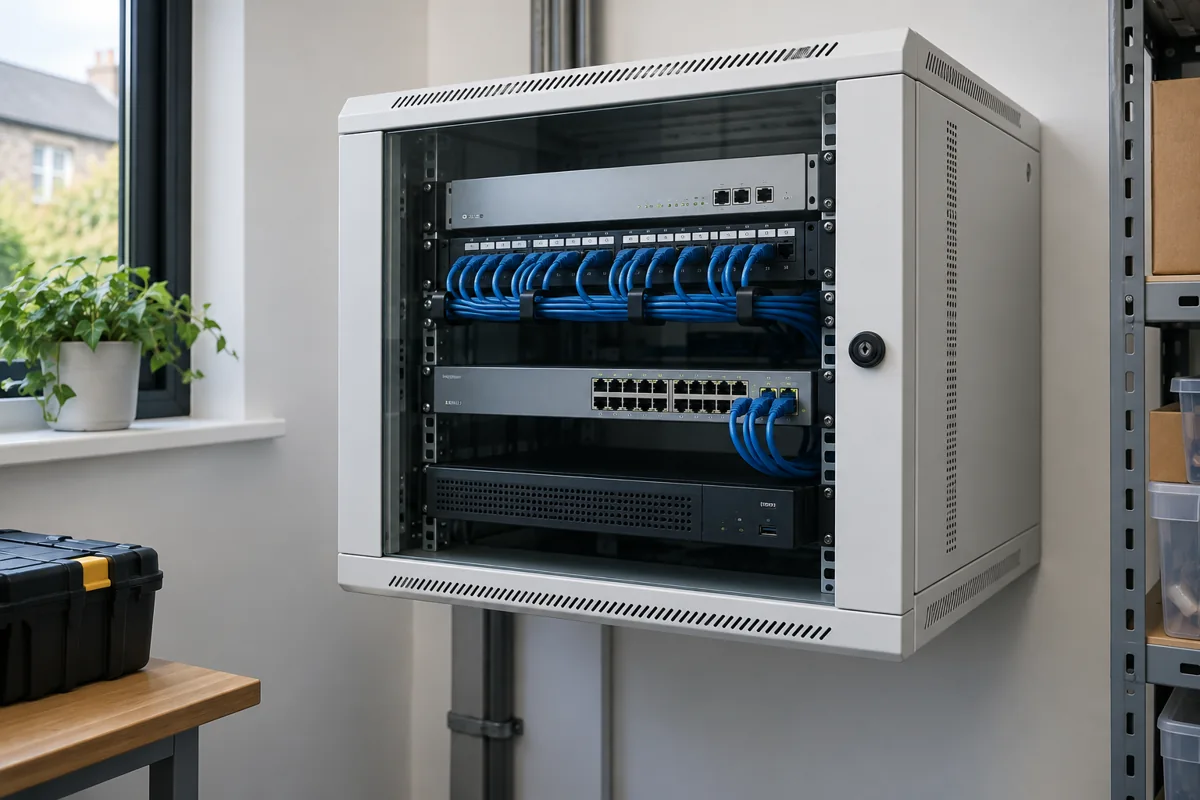
Requirements first. Equipment second.
A business network is infrastructure. A router and several access points may connect devices, but their placement, capacity and permissions determine whether the system supports daily work.
Start with a floor plan, construction materials, occupied areas and a device inventory. Count wired and wireless clients, business-critical systems, cameras, access equipment and VoIP phones. Include guest access, outbuildings and expected expansion.
UniFi is used here as one example of a platform spanning gateways, switches, Wi-Fi, cameras, recording and access. One possible network design is shown below.
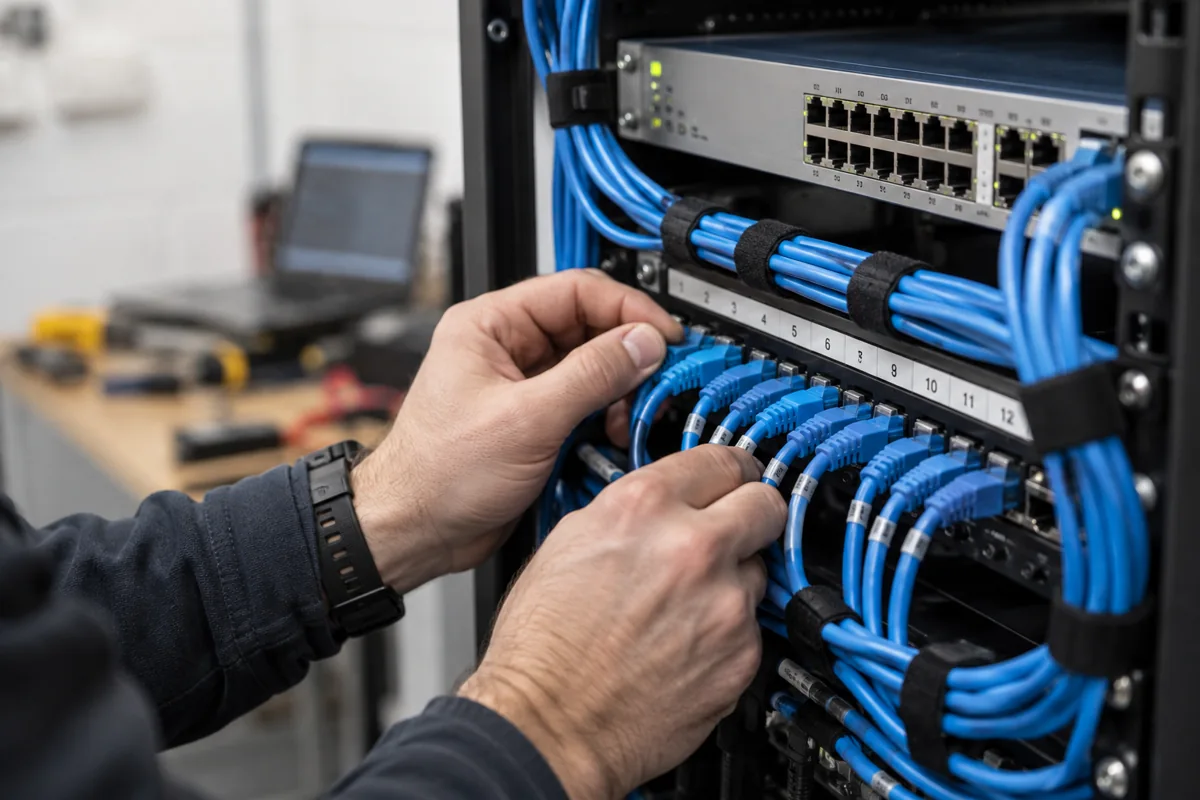

Cabling and Wi-Fi are one design.
Wire fixed infrastructure wherever practical: access points, cameras, workstations, printers, servers and NAS devices. Plan structured cabling, labelled patching and switch uplinks before choosing a cabinet.
More access points does not automatically mean better Wi-Fi. Building materials, obstructions, client density, channel use, interference and signal overlap all affect the result. Position access points around the areas people use, with suitable backhaul.
Validate coverage on site. A floor-plan sketch is a starting hypothesis, not a measured coverage promise. Check roaming and real applications in the occupied spaces, not just a speed test beside the router.
Wi-Fi planning
Separate responsibilities, not just Wi-Fi names.
A VLAN separates a logical network while sharing switches and cabling. A guest device should not need access to your accounts workstation, and a camera should not need unrestricted access to office systems.
VLANs alone are not an access policy. Define which networks can communicate, then enforce and test the relevant gateway or switch rules. UniFi also provides client-isolation options; the right combination depends on the required traffic and equipment.
Allow useful exceptions deliberately: staff may need an office printer or a viewing station may need the recorder. Device discovery across networks can require additional configuration. Document the reason for each permitted connection.
logical networks
Plan power, capacity and practical access.
Power over Ethernet can supply compatible access points, cameras, phones and access equipment through their network cables. Check both the required PoE type for each device and the switch’s total power budget. A spare port does not necessarily mean spare power.
Size uplinks for the traffic they carry, including local recording and storage. Leave a considered allowance for growth. Cabling, patch labels, ventilation, access for maintenance and suitable backup power matter as much as the front of the rack.
Security belongs in the architecture
Plan camera traffic, compatible recording, retention requirements and authorised access together. Door and gate integration depends on the supported equipment and the agreed operating and safety requirements.
Where electrical work, cabling or specialist security installation is needed, we coordinate the technical requirements with appropriately qualified contractors.
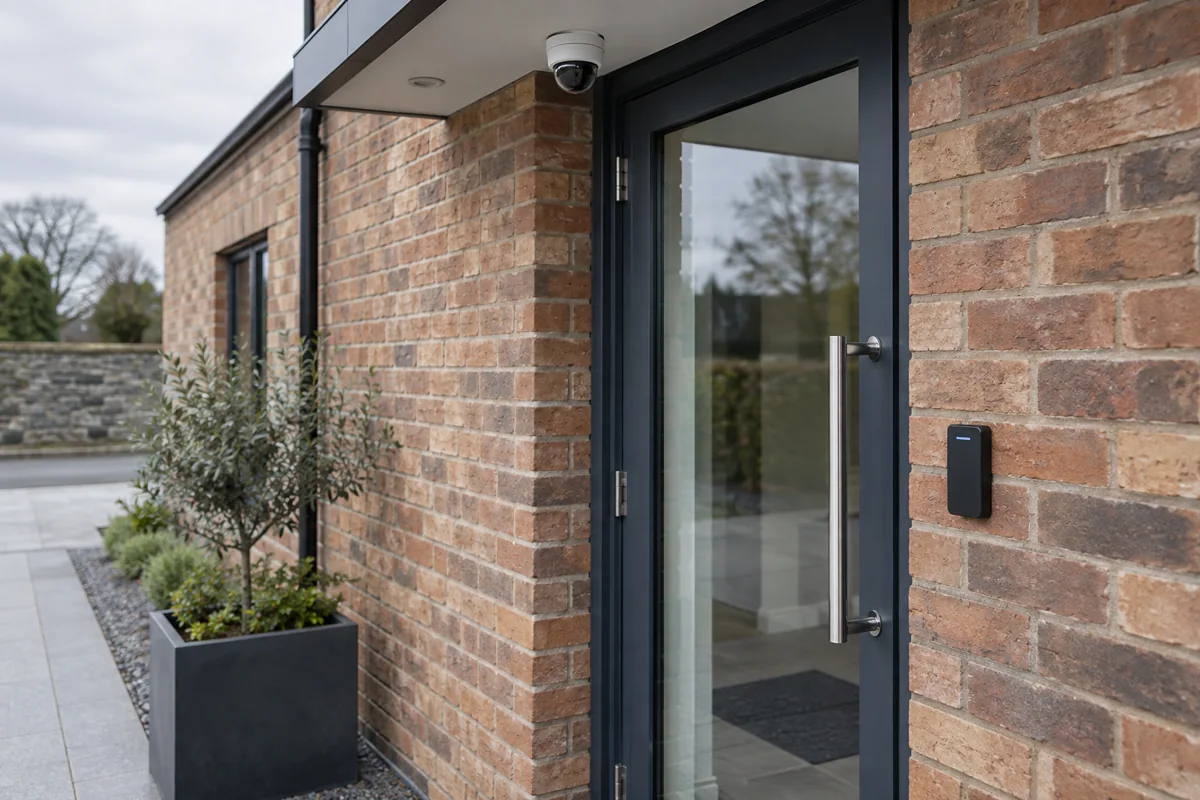
Include the building beyond the main building.
A workshop, warehouse or garage needs its own connection plan. A suitable fibre link or correctly designed point-to-point wireless connection can feed a local switch, then access points, cameras and other devices. Distance, route, line of sight, power and environmental protection determine what is practical.
Main building → fibre / suitable point-to-point link → outbuilding switch → APs, cameras and devices.
Do not assume a stronger indoor Wi-Fi signal will reliably serve a separate building. Assess and test the link as infrastructure.
Leave a system that can be understood
Record the topology, cable labels, network purposes, permitted access and configuration backups. Define who can manage it remotely, how access is protected and who responds to an alert. Documentation and monitoring make diagnosis, maintenance and expansion more manageable.
Explore our Network & Security approach and solutions for your business.
Sources & further reading
Technical references checked 21 September 2026. Platform features and device support can change.
Planning something similar?
Every home or business starts with different equipment, constraints and goals. We can assess what you already have and design an approach around what actually needs to change.
Discuss Your Project