Expert InsightSmart Home
What Happens to Your Smart Home When the Internet Goes Down?
A connected home should not become useless because broadband or a cloud service disappears. Explore how local control, sensible fallbacks and the right integrations can keep important functions working.
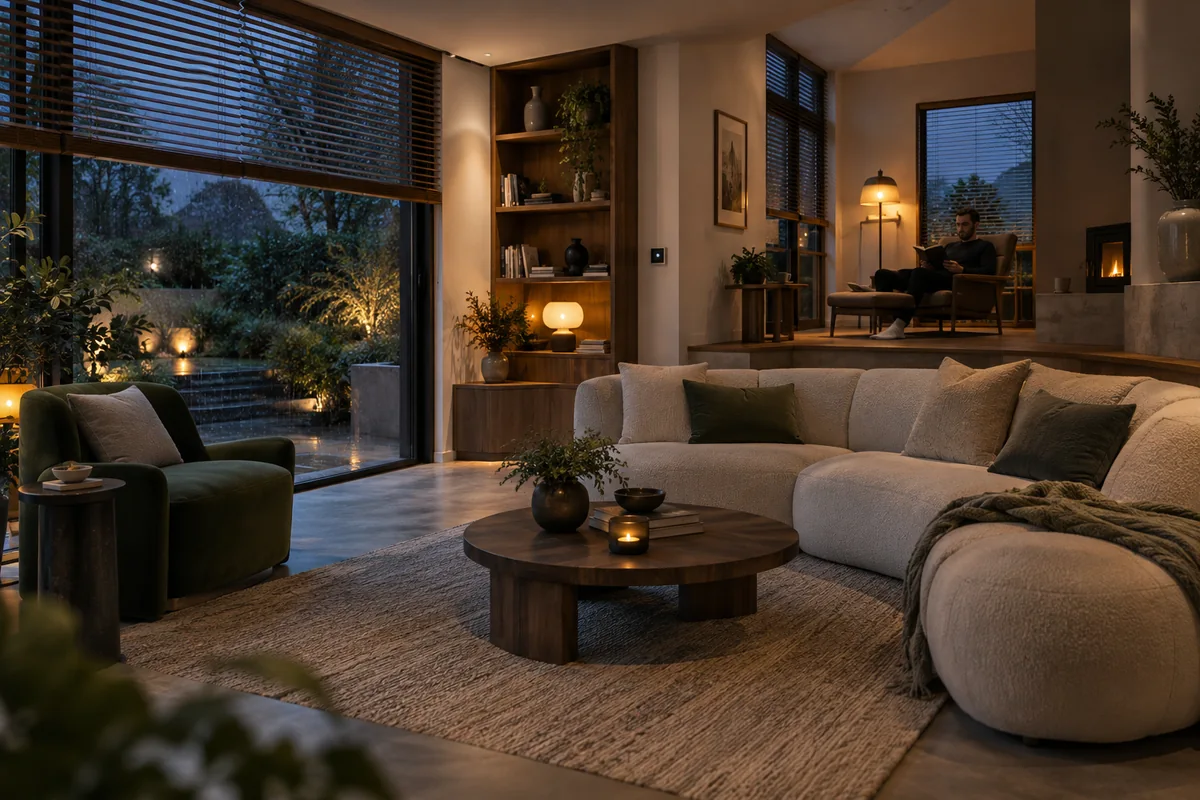
Your broadband connection is only one part of the system.
If your internet connection drops, the home network may still be running. Your router can continue connecting local devices even while its connection to the outside world is unavailable. A controller, sensor and light that communicate locally may therefore keep working together.
A failed router, stopped controller or power cut is a different problem. An internet-independent automation still depends on its own hardware, software and communication path. Understanding that path is more useful than a broad promise that a home “works offline”.
Local, cloud-connected and cloud-dependent are different.
A locally controlled device can accept commands within your home. A cloud-connected device may add remote features while retaining local operation. A cloud-dependent integration must reach a service outside your home to carry out its job.
Installing Home Assistant, Homey or Hubitat does not change how every device communicates. The selected platform, device and integration all matter. Home Assistant documents this distinction through local and cloud integration classes; Hubitat also distinguishes device integrations from the automation rules that use them.
Where supported, physical switches, Zigbee or Z-Wave devices, local Matter integrations, motion sensors and local dashboards can form an internet-independent path. Heating schedules, timers and scenes can run locally too, provided none of their required inputs or actions depends on a cloud service.
Look beyond the device’s Wi-Fi connection.
A device being on your Wi-Fi does not prove that your automation talks to it locally. Its commands may travel through a vendor API. An otherwise local setup may also need cloud authentication when it starts, or an external service for a particular feature.
Check the whole routine: cloud-only cameras, remote push notifications, cloud voice assistants, weather feeds and external AI services can introduce dependencies. A local light may still fail to respond to a voice request if the speech service is unavailable.
Remote access is another separate function. Being able to use a dashboard while connected to your home network does not mean it remains reachable from your phone when the home’s broadband is down.
Design the fallback before you need it.
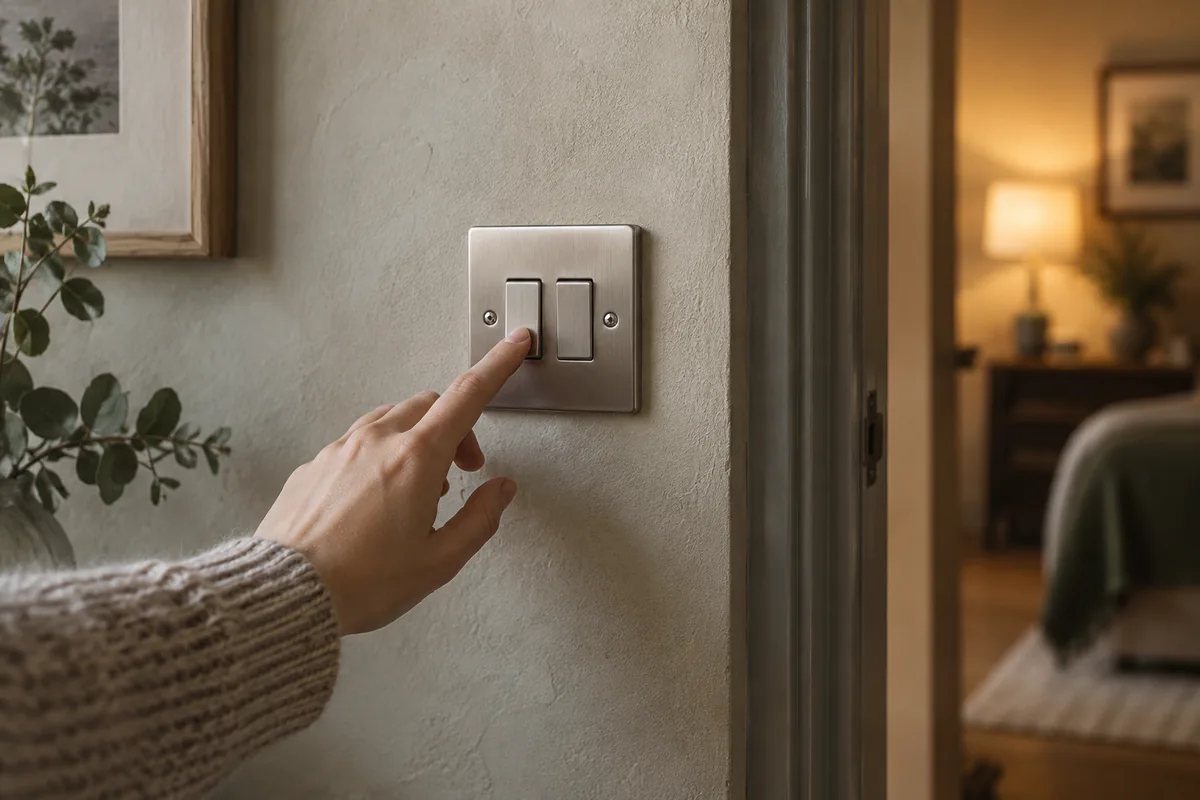
If weather data disappears, heating should fall back to an agreed schedule or local temperature control rather than stop. If a controller is unavailable, a wall switch should ideally still operate its light where the selected hardware and wiring architecture allow it.
Local occupancy lighting can continue during an internet outage when the sensor, decision and lighting action all remain local. If an input becomes stale, the routine needs a sensible response: keep a safe state, use a timeout, or return control to the household.
We plan these behaviours around how you live, then test the dependencies deliberately. Losing internet access, restarting the controller and losing a sensor are separate checks. Backups help recovery; they do not provide instant continuity. Any specialist electrical changes belong with an appropriately qualified contractor.
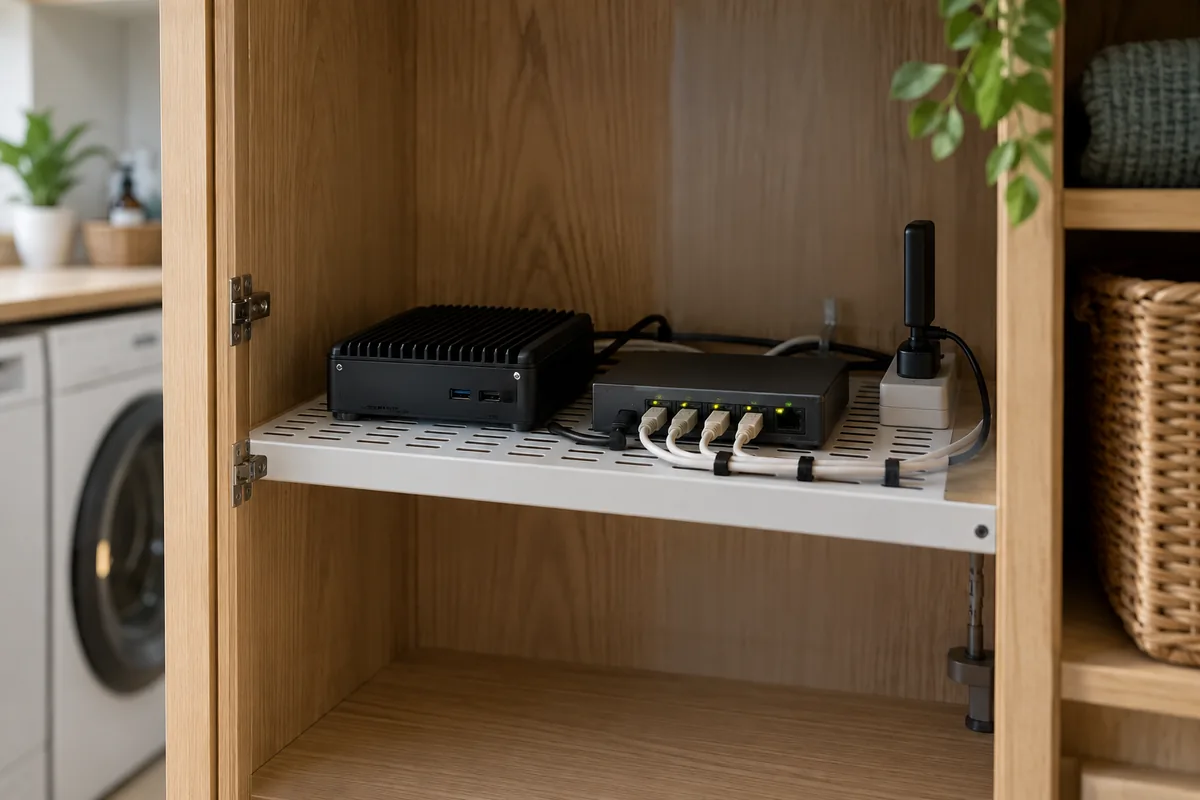
Local-first leaves room for useful cloud services.
Cloud services can provide convenient remote access, better information and useful capabilities. The design question is which functions actually need them, and what your home should do when they are unavailable.
Start with the routines that matter most. Record their dependencies, retain understandable manual control, and keep working equipment where practical. A predictable fallback often matters more than adding another feature.
Our Smart Home integration approach starts with those relationships. Explore solutions for your home to see how planning, integration and support fit together.
Sources & Further Reading
Technical references checked 23 September 2026. Platform features and device support can change.
Planning something similar?
Every home or business starts with different equipment, constraints and goals. We can assess what you already have and design an approach around what actually needs to change.
Discuss Your Project