
Expert InsightSmart Home
A Smarter Home, Without Starting Again
Keep the useful technology you already own, improve the connections behind it, and build a smart home in sensible stages — from wireless upgrades to a planned Cat6 backbone.
Start with the home you already have
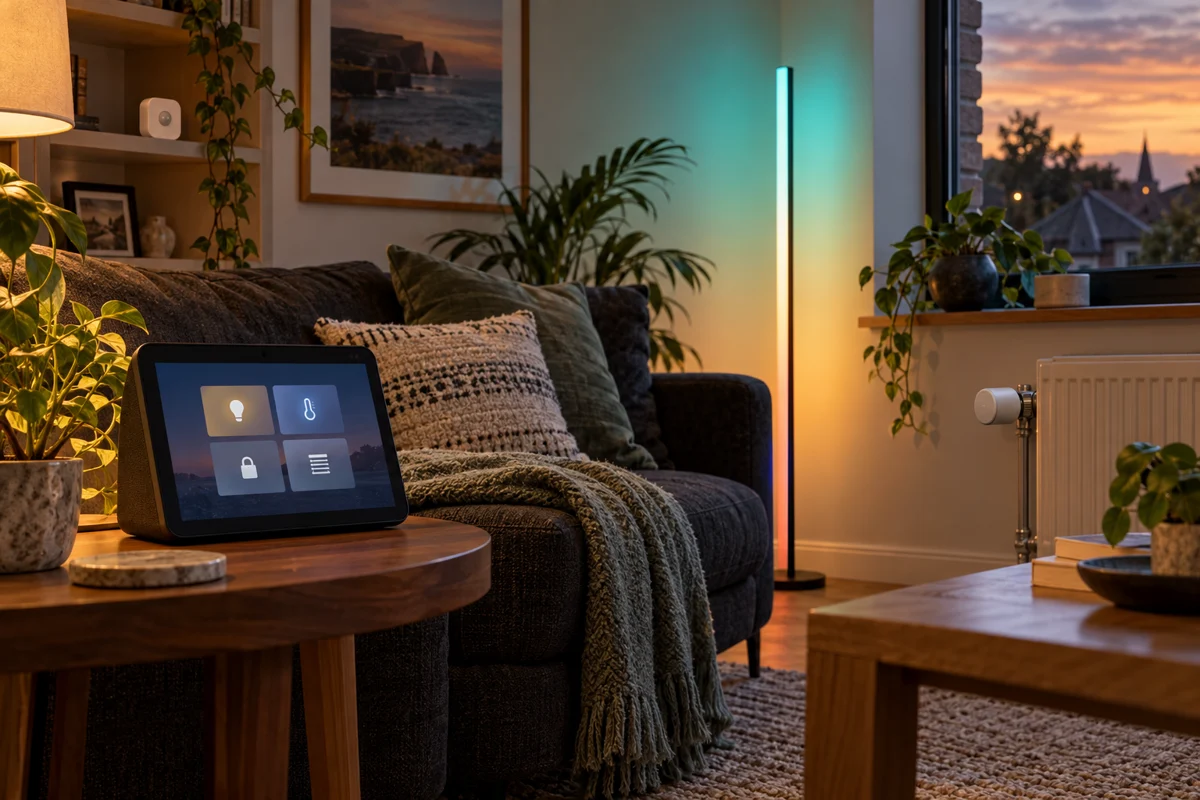
A smart thermostat in one app, lighting in another and a washing machine that sends its own notifications: many homes already contain smart technology. The next step need not be replacing everything. It is understanding which devices can work together, what your household would find useful, and where the existing connections fall short.
A practical retrofit starts with an inventory. We would check device models, existing hubs, available integrations and the features each integration actually exposes. A device being “smart” does not guarantee that another system can control every function. Sometimes the best answer is to retain the manufacturer’s app for specialist settings while bringing useful everyday controls into a shared system.
Choose an initial outcome that matters: lights that respond sensibly to movement, a heating routine that matches occupancy, or a notification when a supported appliance finishes. Prove that first before expanding.
Start with what works
Connect the useful parts
- Existing devicesLights · speakers · heating · sensors
- Compatible integrationCheck the features available for each model.
- One useful routineCombine the controls that make everyday life easier.
Give each device the right connection
Wi-Fi & Zigbee: strengthen the foundations
Strong Wi-Fi is an important foundation for devices that use it. Check coverage where appliances actually sit, rather than only beside the router. Placement, wall construction and competing wireless traffic can matter more than the speed printed on the box. Wired connections to access points are worth considering where routes are practical.
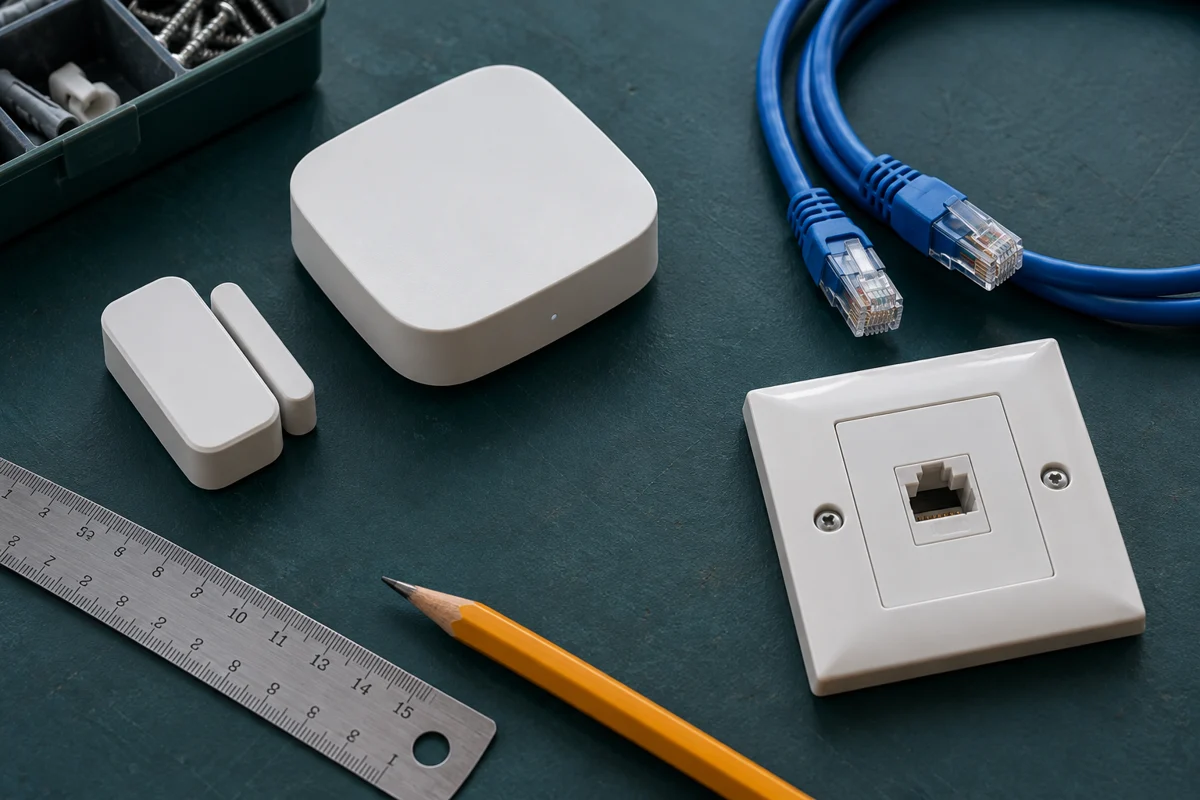
Zigbee can suit lighting and low-power sensors. Its mesh can use suitable powered devices to extend coverage, but battery sensors generally do not relay traffic. A compatible coordinator and careful placement matter; adding more sensors alone does not necessarily strengthen the mesh. Home Assistant also notes that real-world device compatibility needs checking. Zigbee integration guidance
Z-Wave & Thread: choose the right mesh
Z-Wave provides another option for supported sensors and controls. The controller and devices must suit the local radio region, so equipment should be selected for Ireland and Europe rather than imported solely because it is cheaper. Z-Wave integration guidance
Thread is a separate low-power network. Matter is a control standard that can operate over Thread or supported Wi-Fi/Ethernet connections. Matter-over-Thread devices need a suitable Thread border router; a Matter logo does not mean an existing Wi-Fi router supplies one. The features available through Matter may also differ from a manufacturer’s native integration. Matter explained · Thread explained
The aim is a coherent home, not every wireless standard in every room. We would choose the smallest practical mix around the equipment and functions you need.
Cat6 when it earns its place
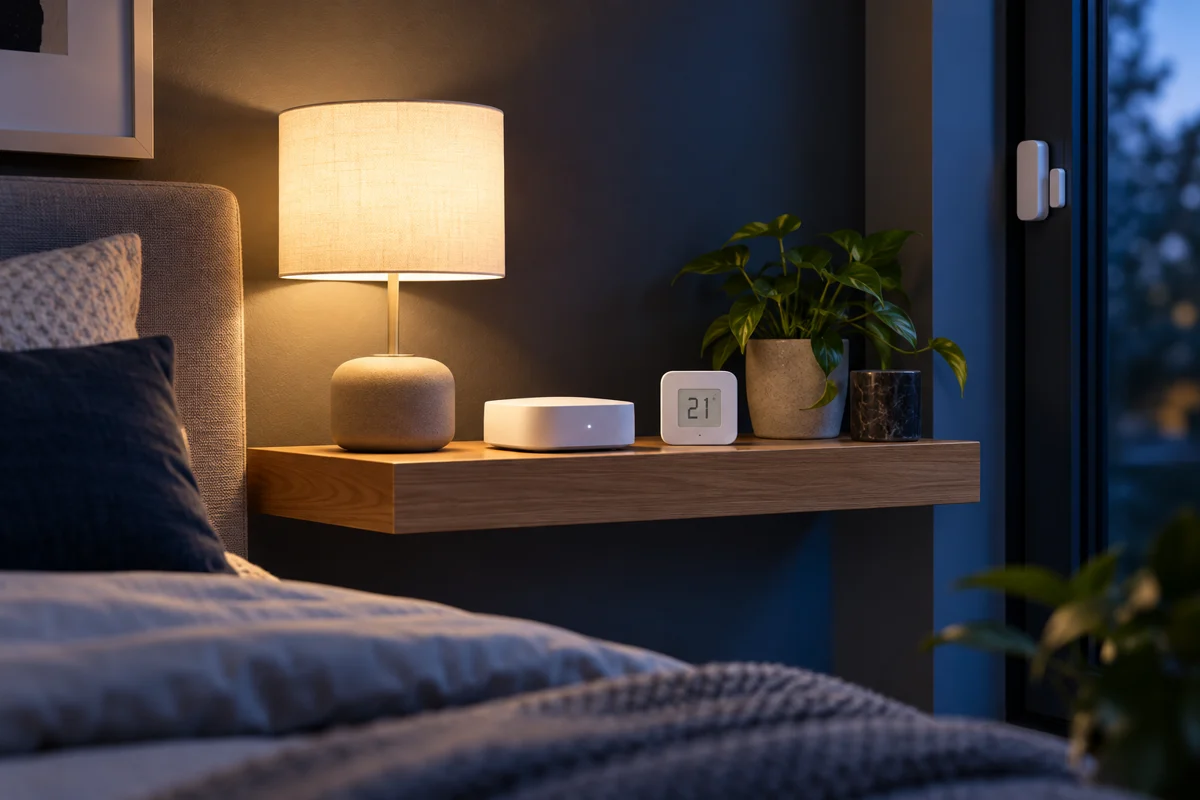
Wireless retrofits can avoid opening walls. If you are renovating, extending or already have accessible routes, structured Cat6 cabling can provide a dependable backbone for access points, desks, televisions and compatible cameras. A few well-positioned cable runs may deliver more value than a complete whole-house data installation.
Power over Ethernet can carry data and electrical power on one cable to compatible equipment such as access points and cameras. The device’s power standard, each port’s capacity and the switch’s total power budget must match. Cat6 does not replace household mains wiring or power ordinary ovens, heaters and other appliances. Ubiquiti’s PoE introduction
A larger renovation can justify a fuller cable plan, with labelled outlets, useful spare capacity and accessible equipment. Electrical alterations need appropriate professional assessment alongside the data-network plan.
A dependable backbone
One cable. Two useful jobs.
- Router + PoE switchCheck port standards and total power budget.
- Cat6 data cablePlan accessible routes and labelled outlets.
- Compatible devicesAccess points · cameras · some controls
Make the budget work in stages
You do not have to buy a complete smart home at once. First, reuse compatible devices and fix weak connections. Next, add one useful sensor or control where it solves a recurring problem. Then consider targeted cabling or additional rooms once the first stage has proved worthwhile.
Include installation, configuration, ongoing subscriptions where needed and future maintenance in the comparison. A low purchase price is less attractive if it adds another isolated system or needs replacing during the next stage. Equally, an expensive whole-house rewire is hard to justify when two sensible cable routes and better integration would meet the need.
MBS Integrations can assess what you already own and propose a phased plan around your property and budget. Start with the room or routine that frustrates you most, and build from there.
Spend where it helps
A phased investment
Sources & Further Reading
Technical references checked 17 October 2026. Features and device support can change.
Planning something similar?
Tell us what you already have and what you would like to improve. We will help plan the next practical step.
Discuss Your Project